
Interval
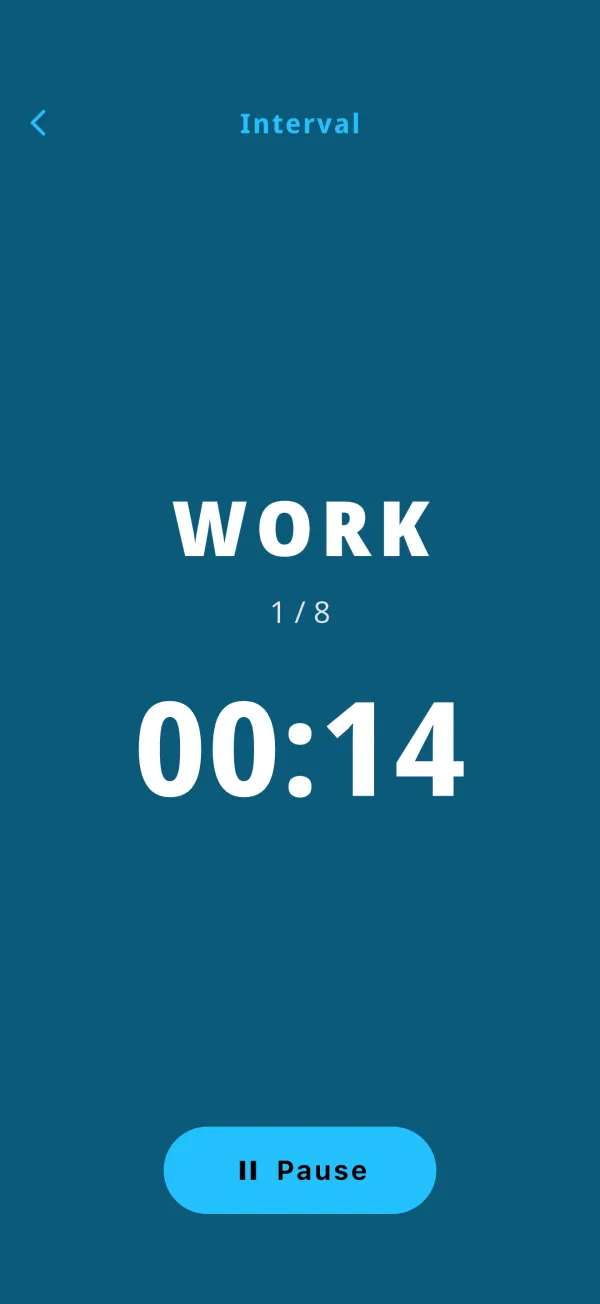
A HIIT / Tabata timer that repeats Work and Rest for a set number of rounds, with a 10-second READY and countdown beeps in the last 3 seconds.
- 20s × 10s × 8
- Suicides
- 50 / 10 study
- Breathing
HIIT · Beat · Chain · Timer · Stopwatch
Basketball drills, HIIT and Tabata, jump rope and running, but also Pomodoro study sessions, sublingual immunotherapy routines and cooking. Six timer modes in one app. No sign-up. Works offline.
50 seconds: Interval, Beat, Chain and more, running on a real device.
Also available in Japanese (日本語).
Big numbers you can read from across the court. Countdown beeps, phase sounds and screen colors tell you where you are without looking twice.
A HIIT / Tabata timer that repeats Work and Rest for a set number of rounds, with a 10-second READY and countdown beeps in the last 3 seconds.
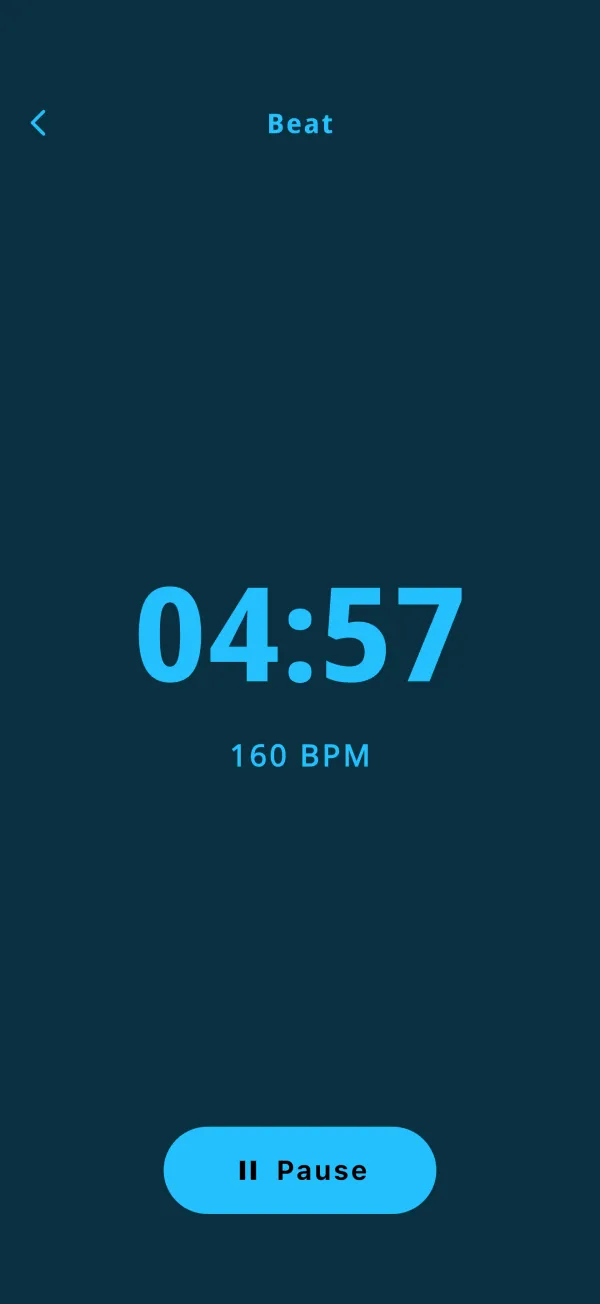
A metronome-style timer that plays a steady beat at your BPM for a set duration. Choose beep, snap or whistle.
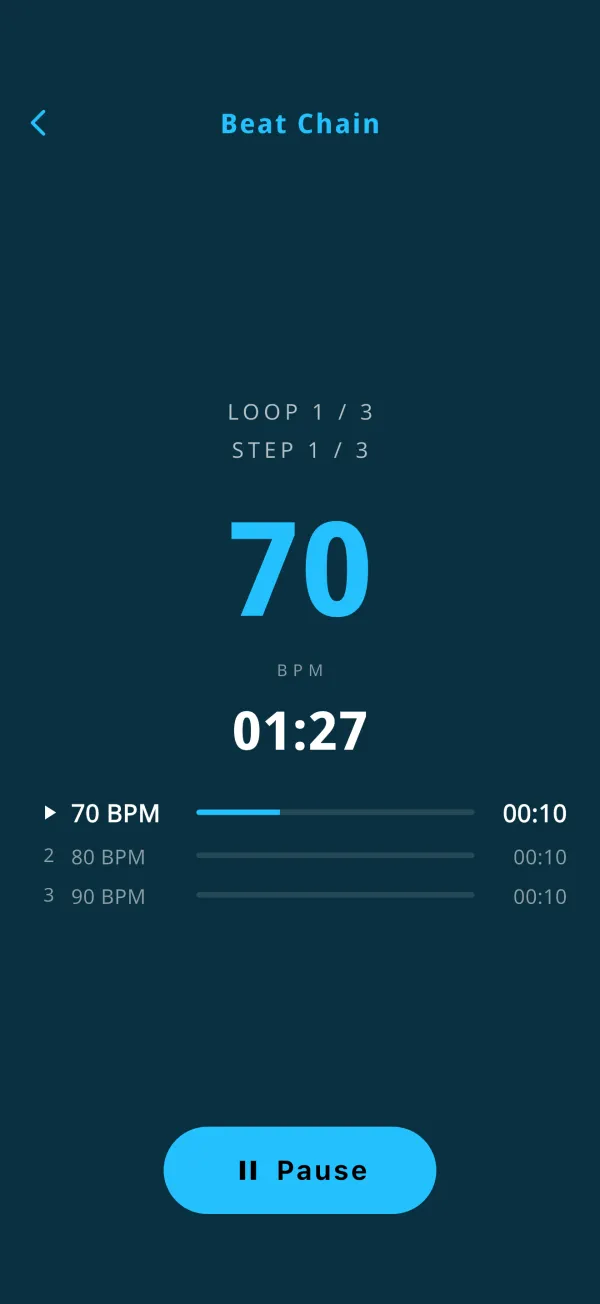
Chain beats at different BPMs. Build rhythm patterns, or step up the tempo every few seconds.
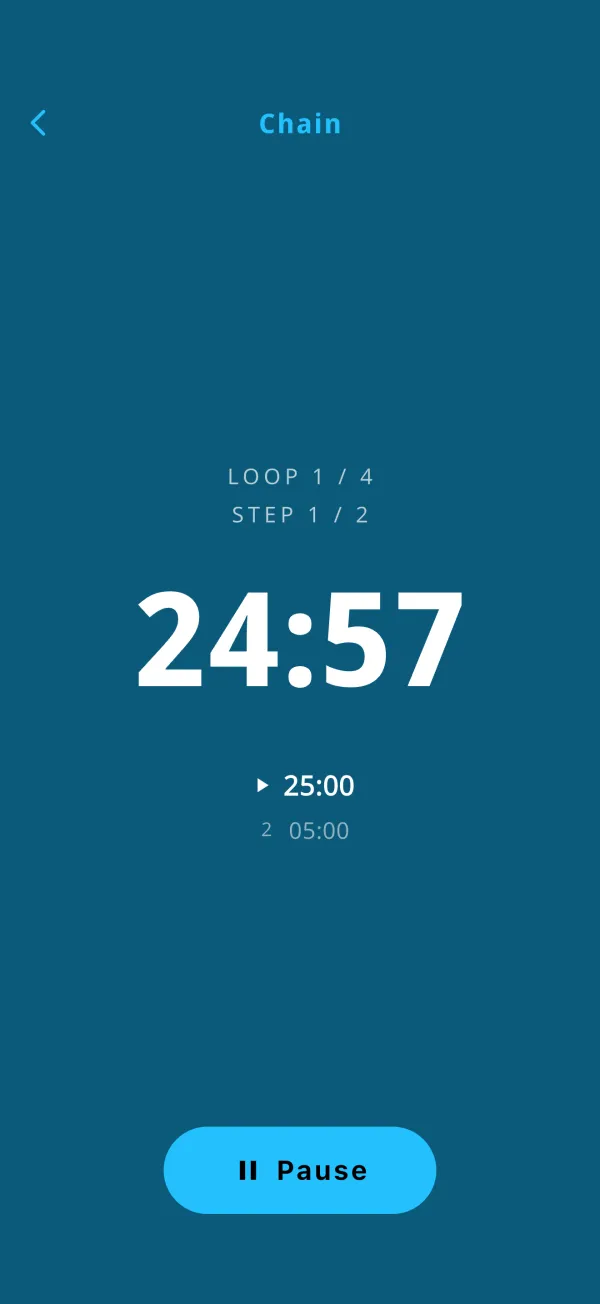
Link timers of different lengths into one routine and loop it.
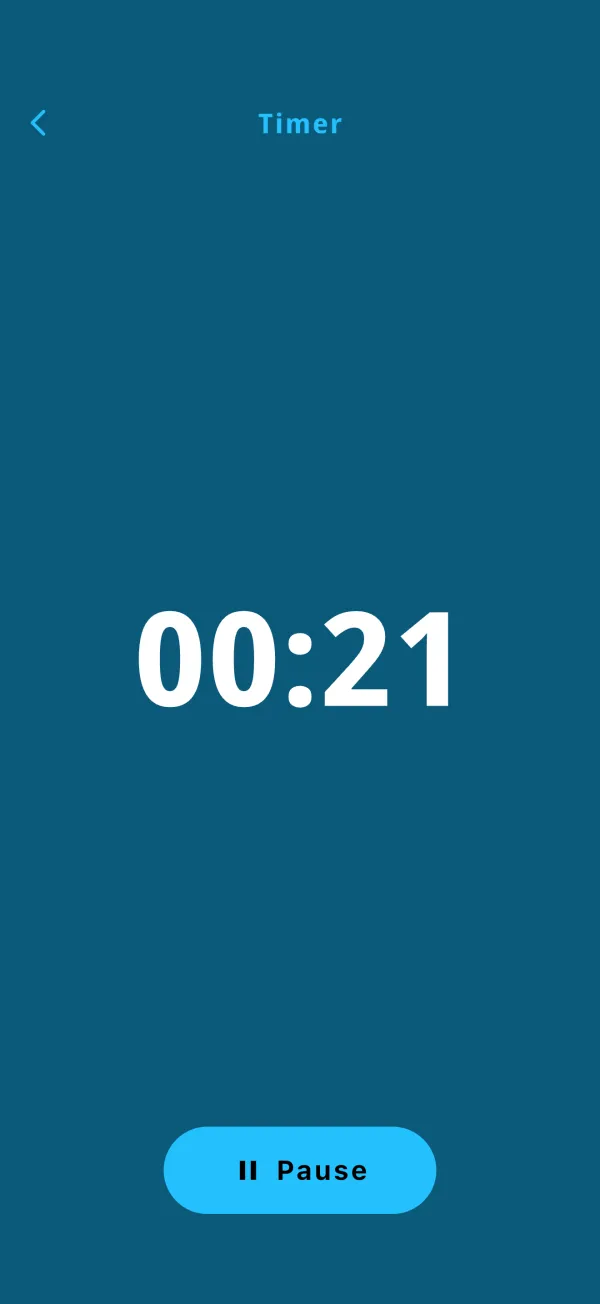
A simple countdown up to 99:55. A looping alarm rings until you stop it.
A stopwatch with 1/100-second precision for sprints, drills and everything in between.
Built first for a kid's basketball practice, then used for everything else that runs on the clock.
On the court
At the desk
Open it, set it, go. Everything else stays out of your way.
No sign-up, no login. Just open and start.
No internet connection needed for any timer.
Beep, snap or whistle. Optionally play on the alarm volume.
The display stays on while a timer runs.
Name and recall recent settings in one tap.
Close the app and pick up where you left off.
No personal data collected. Settings stay on your device.
Go ad-free with a single one-time purchase.
Questions, bug reports and feature requests are all welcome.
Email the developer directly. We usually reply within a few business days.
tanabee.dev@gmail.comPlease include your device model, OS version and the app version shown in Settings. It helps us fix things faster.